Top 10 SunShop to WooCommerce MigrationCompanies
-

- Published Updated
- 68 views

Your online store on SunShop is working. Orders come in and customers buy. But as your business grows, you may find the platform holding you back. You want a payment option your buyers in Tier 2 cities actually use. You want GST-ready invoices without manual work. You want a plugin for WhatsApp order updates or a regional language storefront. On a closed platform, each of these can take weeks or simply not be possible.
WooCommerce gives Indian sellers more room to grow. It runs on WordPress, which powers a large part of the web. It works with popular Indian payment gateways such as Razorpay, PayU, and Cashfree through plugins. It supports GST calculations and invoice plugins. And there are plenty of WordPress and WooCommerce developers across India to help you build and maintain the store.
Moving is where most sellers get nervous. Your product catalog, customer accounts, order history, and Google rankings all need to make the move intact. A rushed migration can cause failed payments, missing orders, or a sudden drop in traffic from Google India. That is why choosing the right partner matters just as much as choosing WooCommerce.
This guide covers 10 companies that handle SunShop to WooCommerce projects. Use it as a shortlist, then ask each team the questions that matter for your business before you sign.
Why Indian Sellers Are Moving from SunShop to WooCommerce
Before you compare companies, it helps to see what you gain.
Payment flexibility. WooCommerce plugins connect to UPI-based checkouts, cards, net banking, and cash on delivery setups. You can choose the mix that matches what your customers prefer.
GST-ready billing. Plugins can add GST fields, generate tax invoices, and calculate tax by product or location. Ask your partner to set this up during the migration so you are not doing it by hand later.
Costs you can plan. Hosting, plugins, and developer support are usually easier to budget for. You pick the hosting plan and install only the extensions you need.
Local language and reach. You can add regional language content, WhatsApp order links, and local shipping partners through plugins or custom code.
Your data stays yours. You should be able to export your catalog, customers, and orders whenever you need them. A good migration partner makes this true from the first day of the project.
The Top 10 SunShop to WooCommerce Migration Companies
1. EbizON
 EbizON works on moving ecommerce stores from closed platforms into WooCommerce. Their process begins with an audit of your SunShop store, including products, variants, customer records, order history, and any custom features your business depends on. That audit shapes the migration plan.
Here's a look at how EbizON plans a SunShop to WooCommerce Migration for sellers, from the first audit to the day of launch. The plan covers data mapping, 301 redirects for search rankings, payment gateway setup, and GST-ready invoice settings. Every step is tested in a staging environment before the store goes live.
After launch, the team stays available to fix issues that show up in real orders. That support window matters, because the first few weeks often bring surprises.
What to ask EbizON about:
- How they set up Indian payment gateways and test real transactions before launch
- How they handle GST fields, tax invoices, and tax rules in WooCommerce
- How long post-launch support lasts and what it covers
2. CMSTOWP
 CMSTOWP concentrates on platform migrations. Their work is built around moving products, content, and customers from one system to another in a planned way. Before any data moves, they review your store's size, integrations, and special features, so the scope and timeline are clear from the start.
The usual flow includes a structure plan for WooCommerce categories and attributes, a full trial migration, a review with you, and a controlled launch. A trial run lets you check order totals, product counts, and customer records before real customers see the new store.
If you want a clearer picture before deciding, you can look through the CMSTOWP approach to the SunShop to WooCommerce Migration to see which phases they cover.
What to ask CMSTOWP about:
- How they confirm that product counts and order totals match after the move
- Whether they can keep your current store running while the new one is built
- What the fixed quote includes and what would be billed separately
3. Kabir IT Solution
A software development and IT solutions company that builds ecommerce platforms and web applications. They take on platform migrations for businesses that need a clear technical plan and steady communication.
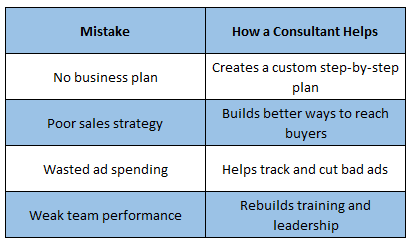 Kabir IT Solution works as a project-based development team. They start by understanding your store's workflow, then plan the migration around the way your business actually runs. That can include order processing, shipping rules, and customer communication. Their approach suits sellers who want a team that explains each step in plain language.
For a SunShop move, they can help set up WooCommerce payments, shipping zones, and tax settings so your daily operations keep running. They are also a good option when your store has a few custom features that need careful rebuilding.
- Good fit if you want a project-based team with clear updates at each stage
- Useful for stores with custom order workflows or shipping rules
- Ask how they test payments, refunds, and GST invoices before going live
4. Empedance
A digital development and consulting company that helps businesses plan and execute technology projects. They combine technical builds with advice on how the new platform fits your business goals.
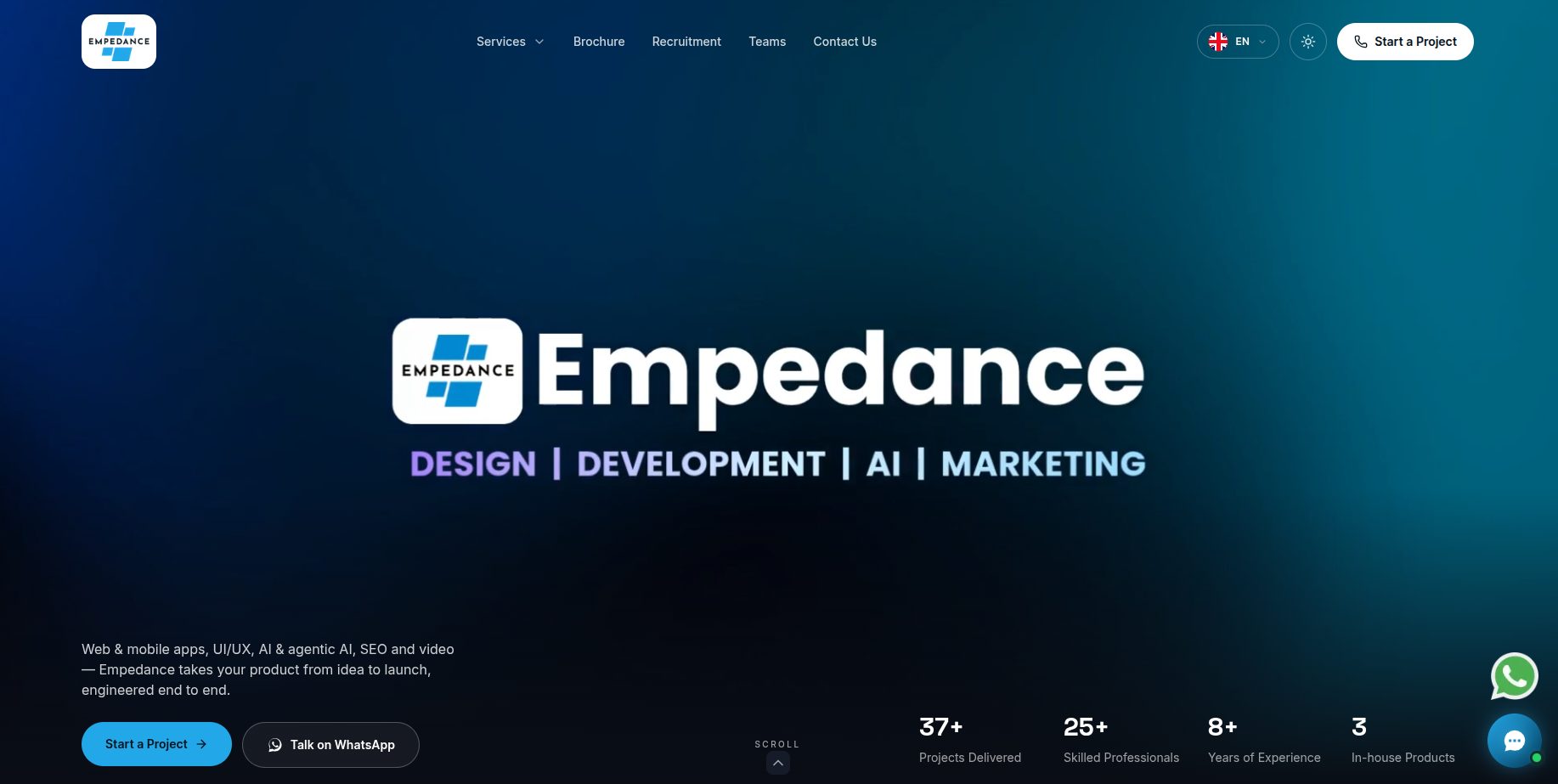 Empedance brings a consulting view to migrations. Before the build starts, they look at what the business needs from the new store, such as better reporting, faster checkout, or easier product updates. That planning can help you avoid moving problems from the old platform into the new one.
Their technical team then handles the data transfer, WooCommerce setup, and testing. A consulting-led approach can be useful for sellers who want the migration to support a longer growth plan, not just a copy of the current store.
- Good fit if you want migration planning tied to business growth goals
- Useful for sellers who want to fix old problems during the move
- Ask what reporting and analytics they set up so you can track results from launch
5. Bibhu Design
A design and development studio that creates websites, online shops, and brand visuals. They can manage a store move when a fresh look and better shopping experience are part of the plan.
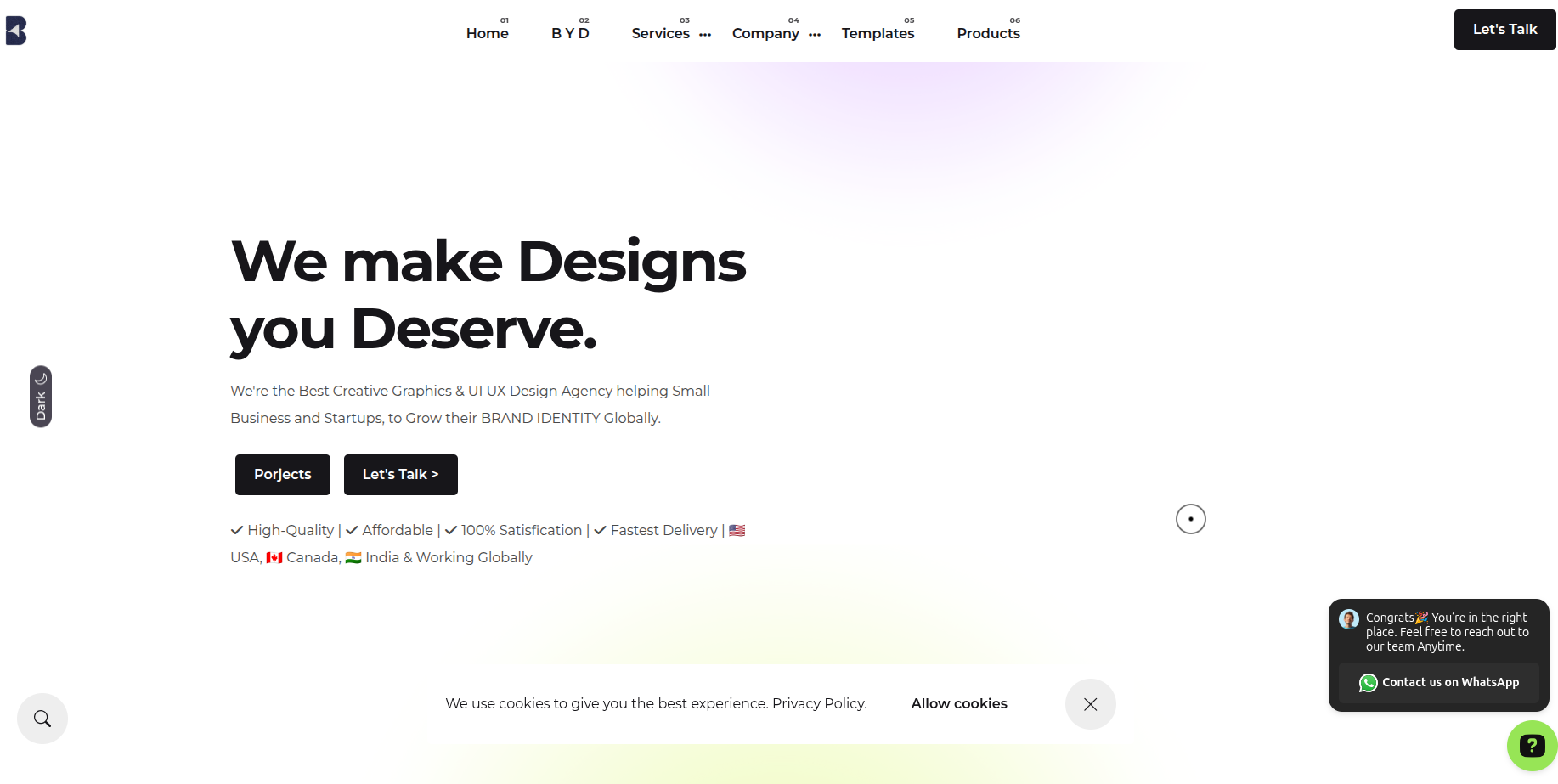 Bibhu Design focuses on the look and feel of the storefront. Product pages, navigation, and checkout screens are often a major part of their work. For a SunShop move, that focus can make the new WooCommerce store easier to browse, especially on mobile phones, where most Indian shoppers place orders.
Design-led projects still need solid data work behind the scenes. Ask how they plan the product data transfer and how they test the store on different phones and screen sizes before launch.
- Good fit if product pages and checkout need a visual upgrade during the move
- Useful for sellers whose customers mostly shop on mobile phones
- Ask how they test the store on popular Android and iPhone screen sizes
6. Polozhevets
A web development company that builds websites and online stores for businesses in several markets. They handle WordPress and WooCommerce projects, including platform moves that need a careful technical process.
 Polozhevets works on web builds and ecommerce projects that use WordPress and WooCommerce. Their process usually focuses on a clean technical setup, including site structure, product organization, and checkout configuration. For a SunShop migration, that means your catalog and customer data are set up in a way that is easy to manage later.
Ask them to explain the data mapping plan in detail, since a clear mapping document makes the launch much less stressful for your team.
- Good fit if you want a technical team focused on clean WooCommerce setup
- Useful for stores that need a tidy product structure from the start
- Ask for a written data mapping plan before the build begins
7. Broadmark
A digital agency that offers web development, digital marketing, and ecommerce services. They can handle a migration alongside the marketing work that brings customers to your store.
 Broadmark works across development and marketing, which makes them a good option when the store move needs to support campaigns. If you run ads, send regular offers, or rely on email for repeat sales, a broken link or slow checkout can cost you money quickly. An agency that understands both sides can plan the launch with your campaigns in mind.
Ask how they protect your existing search rankings and campaign links during the switch, so your traffic continues without a gap.
- Good fit if you want migration and marketing handled by one agency
- Useful for sellers who run paid ads, email offers, or festive sales
- Ask how they protect search rankings and campaign links during the move
8. Exteed
A technology company that builds web platforms, ecommerce solutions, and business software. They can handle migrations that involve custom features or connections to other business systems.
 Exteed works on development projects that often connect a store to other tools, such as inventory software, accounting systems, or a custom admin dashboard. If your SunShop store feeds data into those tools, the migration has to keep those connections working. A developer-led team can review those links before the move so nothing breaks on launch day.
Ask how they plan the integrations and sync checks, since a mismatch between your store and your back office can create more work than the move itself.
- Good fit if your store connects to inventory, accounting, or CRM tools
- Useful for sellers who need custom features rebuilt properly
- Ask how they check integrations and data sync after launch
9. Iommi Designs
A creative design studio that builds websites, brand identities, and online stores. They suit sellers who want the store to look as polished as the products they sell.
 Iommi Designs focuses on visual quality. Their work often includes custom layouts, brand-led product pages, and clean checkout screens. For a SunShop move, a design-focused partner can give your store a more professional look while the catalog and customer data transfer in the background.
Visual work needs technical care too, so ask how they keep images, product videos, and page speed in good shape after the move.
- Good fit if your brand depends on strong product photography and presentation
- Useful for sellers who want a more premium look during the migration
- Ask how they keep image loading and page speed strong after launch
10. Yadda Technologies
A technology company that builds web solutions and ecommerce platforms for businesses in East Africa and beyond. They can handle WooCommerce migrations and the ongoing technical support that follows.
 Yadda Technologies works on web development and ecommerce projects that serve a wide range of clients. Their team can manage the technical side of a SunShop move, from data transfer to WooCommerce setup and testing. Working with a team that understands varied market conditions can be helpful if your customers are spread across different regions.
Ask how they handle time zones and communication during the project, so your team always knows what is happening and when.
- Good fit if you want a team that supports multi-region sellers
- Useful for stores that need ongoing technical help after the move
- Ask about communication schedules and post-launch response times in writing
How to Choose the Right SunShop to WooCommerce Partner
Ask for proof of similar work. Request examples of past SunShop or similar platform migrations, especially for Indian sellers. Ask to speak with a past client if possible.
Check the GST and payment setup. Your partner should explain how GST fields, invoices, and payment gateways will work before the build starts.
Get the scope in writing. A clear quote should list products, customers, orders, redirects, payment setup, GST configuration, testing, and post-launch support.
Confirm the SEO plan. Ask how old URLs will map to new ones with 301 redirects and how rankings will be monitored after launch.
Plan for festive seasons. Avoid a launch right before a major sale period. Ask the partner to recommend a quieter window.
Understand the support window. Migration issues often appear in the first few weeks. Find out how long support lasts and how quickly the team responds.
Common Mistakes to Avoid During Migration
Skipping a full backup. Keep copies of your SunShop data before anything moves, and test that you can restore from them.
Ignoring redirects. Without proper redirects, your product pages lose the search visibility they have built on Google India.
Launching without a staging test. A staging environment helps you catch broken checkouts, missing images, and wrong prices before customers do.
Forgetting integrations. Email tools, analytics, inventory systems, and shipping apps all need to reconnect. List every integration before the move.
Testing only one payment method. Test UPI, cards, net banking, and cash on delivery if you offer them. Each one can behave differently.
Rushing the cutover. A planned launch in a quiet period beats a fast one. Keep a rollback plan ready.
Frequently Asked Questions
1. How long does a SunShop to WooCommerce migration take?
Most projects take a few weeks to a couple of months. Smaller stores with a simple catalog can move faster. Larger stores with many products, custom features, or several integrations need more time for planning and testing. Ask each company for a timeline based on your store.
2. Will I lose my Google rankings after the move?
You can protect them if the redirects are set up properly. Each old product and category URL should point to its matching new URL with a 301 redirect. Good partners also check Google Search Console after launch to find errors early.
3. Can I keep using UPI, cards, and cash on delivery in WooCommerce?
Yes, in most cases. WooCommerce supports these options through payment gateway plugins. Your partner should connect your existing gateways, set up any new ones you want, and test each payment method before launch.
4. How do I handle GST after the migration?
WooCommerce can show GST on product pages, calculate tax at checkout, and generate invoices through plugins. Confirm with your accountant which tax rates and invoice format you need, then ask your partner to configure them.
5. Will my customers' accounts and order history move?
Customer accounts can usually be created in WordPress with the same email addresses. Past orders can often be imported so customers can see their history. Passwords usually cannot be copied exactly, so customers may need to reset them. A good partner sends clear instructions.
6. Will my store be offline during the move?
Many partners build the new store separately while your current store stays live. The final switch takes a short window. Ask the partner to explain the cutover plan and expected downtime.
7. What does the migration cost?
Costs depend on catalog size, custom features, integrations, and design work. Simple stores cost less than complex ones. Ask each company for a fixed or itemized quote so you can compare what is included.
8. Can WooCommerce handle regional languages and WhatsApp order links?
Yes, through translation plugins and messaging integrations. The exact setup depends on your needs. Ask the partner which plugins they would recommend and how they would test them.
9. What support do I get after launch?
Support periods vary. Many companies offer 30 to 90 days of help for bug fixes, product updates, and small changes. Confirm the length of support and what counts as covered work in writing.
10. How do I choose the right company from this list?
Start with your goals. If you want a stronger look, consider the design studios. If you need custom features or system connections, consider the development teams. Whatever you choose, ask for examples, a written scope, and a clear testing plan before you commit.
Ready to Make Your Move?
Moving from SunShop to WooCommerce can give your business more control, more payment choices, and a platform that grows with you. A well-planned move protects your sales, your customers, and your search traffic.
Start by listing your must-have features, payment methods, and integrations. Then contact two or three companies from this list and compare their plans side by side.
Key Takeaways for Indian Sellers
- SunShop to WooCommerce migration gives you more payment options, GST-ready billing, and room to grow
- Products, customers, and orders can move, but some custom features may need rebuilding
- 301 redirects protect your Google rankings and should be part of every plan
- Test UPI, cards, net banking, and cash on delivery in staging before launch
- Get a written scope that covers data, redirects, GST setup, integrations, testing, and support
- Plan the launch for a quiet period, not right before a major sale
- Keep a rollback plan ready in case something needs fixing after the move